
Marketing teams face a relentless paradox: video content delivers measurable results, yet producing it devours time most teams simply don’t have. The 12th annual Wyzowl State of Video Marketing survey confirms that 91% of businesses now use video as a marketing tool in 2026, but 26% of non-video marketers still cite lack of time as their primary barrier. The solution lies not in hiring more designers or extending deadlines, but in adopting template-based workflows that preserve brand quality whilst slashing production hours. This guide breaks down the five essential template categories every marketing team should understand, from product demos to social media shorts, with actionable guidance on matching each type to your specific content calendar pressures.
Your 5 template types in 30 seconds:
- Marketing templates — product demos, tutorials, campaign teasers for external audiences demanding professional polish
- Event templates — save-the-dates through post-event highlights, optimised for tight event marketing timelines
- Corporate templates — announcements, CSR stories, employee spotlights maintaining formal brand tone
- Internal templates — onboarding sequences, team updates, training content where frequency trumps perfection
- Social templates — stories, reels, platform-optimised formats enabling content batching across channels
The pressure to scale video output affects marketing teams across all company sizes. Whether managing social media calendars, product launch campaigns, or internal communications, the production bottleneck remains identical: design capacity cannot keep pace with content demand. Traditional workflows impose a binary choice between maintaining quality standards or meeting publication deadlines.
Template-based approaches resolve this false dilemma by separating creative design work (completed once, embedded in the template structure) from content customisation (completed per video, requiring minutes not days). This guide examines how five distinct template categories address different marketing contexts, from high-polish external campaigns to high-frequency internal updates. Each section identifies the specific use cases, customisation depth, and workflow patterns that determine which template type fits your current content calendar pressures.
- Marketing Video Templates: Product Demos, Tutorials & Campaign Teasers
- Event Video Templates: From Save-the-Dates to Post-Event Highlights
- Corporate Communication Templates: Announcements, CSR & Employee Stories
- Internal Communication Templates: Onboarding, Updates & Training
- Social Media Video Templates: Stories, Reels & Platform-Optimised Formats
Marketing Video Templates: Product Demos, Tutorials & Campaign Teasers
Consider the typical workflow: your product team requests a demo video for an upcoming launch, the deadline is nine days away, and your marketing team has no dedicated video designer. Creating from scratch means storyboarding, asset gathering, design iteration, and revision cycles that routinely consume three full working days per asset. Marketing templates eliminate this bottleneck by providing pre-structured frameworks for the three most common external-facing formats: product demonstrations, tutorial walkthroughs, and campaign teaser content.
Modern editable video templates allow teams to customise colour palettes, typography, logo placement, and key messaging whilst maintaining proven layouts. Teams typically adjust brand colours, swap placeholder footage for product screenshots, and update text overlays — modifications that take minutes rather than hours. Product demo templates excel when showcasing software interfaces or physical product features. Tutorial templates work best for educational content explaining processes or feature walkthroughs. Campaign teasers serve promotional launches where visual impact matters but production time is constrained. The budget and output data published in HubSpot’s 2026 State of Video breakdown show that over half of companies regularly produce educational videos, product videos, and social content — precisely the formats these marketing templates address.

Event Video Templates: From Save-the-Dates to Post-Event Highlights
Event marketing operates on compressed timelines that rarely accommodate traditional video production schedules. A corporate conference announcement needs video assets four weeks before the event date, then live-event social snippets during the two-day programme, followed by post-event recap content within 48 hours of closing. Event templates address this entire lifecycle with pre-built formats for each phase: save-the-date announcements, speaker spotlight teasers, registration reminders, live-update snippets, and post-event highlight reels.
Pre-event templates prioritise information density — dates, venues, speaker names, and registration calls-to-action occupy defined zones within tested layouts. During-event templates optimise for speed, allowing teams to drop in smartphone footage from keynote sessions or exhibition floors and publish within minutes whilst content remains timely. Post-event templates focus on highlight compilation, typically featuring attendee testimonials, key presentation moments, and sponsor visibility within structured montage formats.
Creating a custom save-the-date video from scratch typically requires briefing a designer, waiting for concepts, reviewing drafts, and implementing revisions. A template-based approach reduces this to same-day turnaround — upload event details and branding assets, select a save-the-date template, customise text and imagery, and export within two hours. For events requiring multiple video touchpoints across several weeks, this compression becomes the difference between feasible and impossible for small marketing teams managing simultaneous campaigns.
Event templates work best when organisations run recurring events with consistent branding needs — annual conferences, quarterly webinar series, or monthly networking meetups. The template library becomes a reusable asset collection that improves with each event iteration.
Corporate Communication Templates: Announcements, CSR & Employee Stories
Corporate communication demands a different balance than marketing content: professional tone matters more than viral appeal, brand consistency outweighs creative experimentation, and message clarity trumps visual spectacle. Templates serving this category cover company announcements, corporate social responsibility reporting, employee testimonials, and internal case studies — all contexts where organisations need video’s engagement power without the budget or timeline luxury of bespoke creative production.
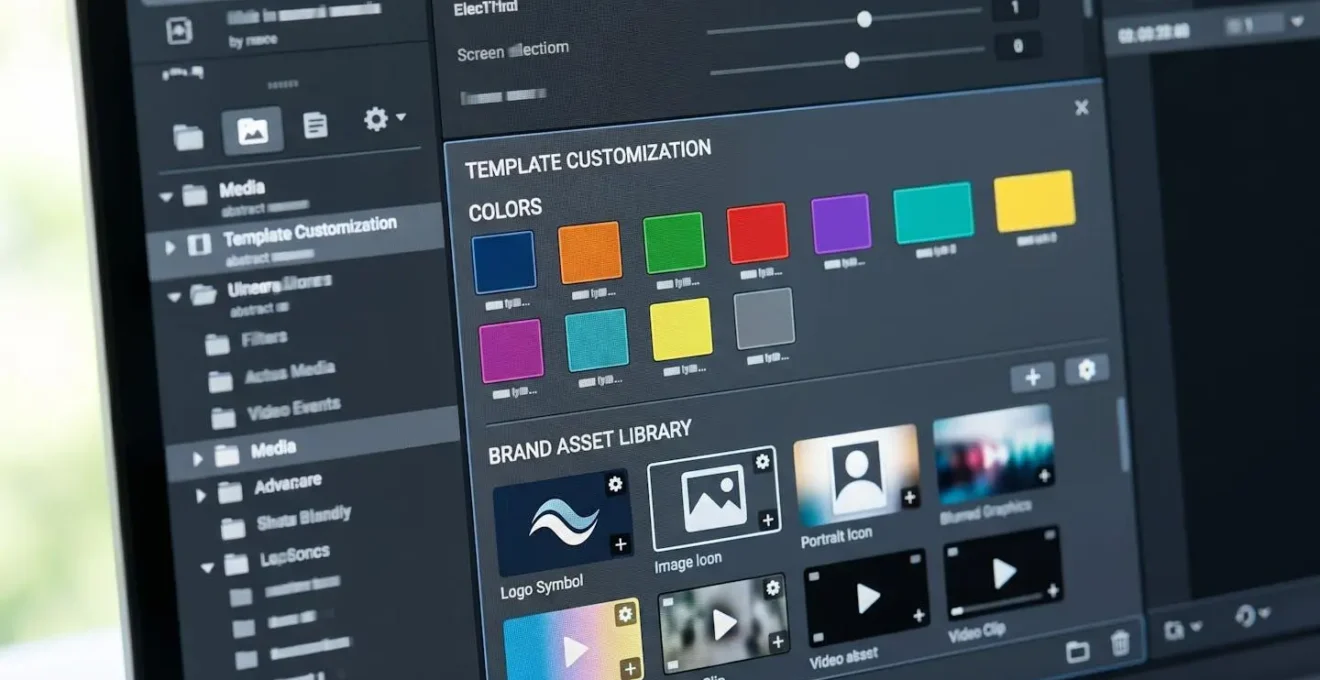
Announcement templates provide structures for leadership messages, organisational changes, partnership reveals, or milestone celebrations, typically featuring executive spokesperson zones, company logo prominence, and conservative animation styles. CSR templates address sustainability reports, community initiative showcases, or charity partnership highlights. Employee story templates spotlight team member achievements, behind-the-scenes culture glimpses, or recruitment-focused testimonials.
The over-customisation trap: Corporate teams frequently spend two to three hours adjusting template details far beyond what brand recognition requires. Industry patterns show that 20% customisation — brand colours, logo, key messaging, and spokesperson footage — delivers 80% of brand recognition impact. The temptation to tweak animation timing, experiment with alternative layouts, or redesign transition styles negates the core time-saving benefit templates provide.
Maintaining professional tone with templates requires selecting appropriate visual treatment for corporate contexts. Many teams reduce design time per asset by developing a shortlist of approved corporate templates that meet brand guidelines, eliminating the selection burden for each individual project whilst ensuring consistent visual identity across all formal communications. The frequency equation differs substantially from marketing content — corporate announcements may occur monthly or quarterly rather than weekly, making template investment even more valuable for occasional corporate video needs.
Internal Communication Templates: Onboarding, Updates & Training
Internal-facing video represents the category most organisations neglect due to resource constraints, yet it’s precisely where template-based production delivers disproportionate value. Employee onboarding sequences, regular team update newsletters, process documentation, and training materials all benefit from video’s clarity and retention advantages, but few companies can justify allocating designer time to content only internal audiences see. Templates remove this barrier entirely.
Onboarding templates address the recurring need to welcome new employees with consistent information about company culture, systems access, team introductions, and role expectations. Team update templates serve regular internal communication cadences — monthly all-hands recaps, department achievement highlights, or project status broadcasts. Training and process documentation templates prove particularly valuable for organisations with distributed teams or high-turnover roles. As measured across 13 million videos in Wistia’s 2026 State of Video Report, 76% of companies now produce at least one video monthly, and internal content represents a substantial portion of this regular output precisely because templates make frequent production feasible.
The volume consideration becomes critical: high-performing internal communication programmes publish multiple videos monthly rather than occasional flagship pieces. This frequency only becomes sustainable through template workflows that individual team members can execute without specialist design skills. The barrier drops from « we need to brief the designer and wait two weeks » to « I can create this update video this afternoon before the team meeting ».
Social Media Video Templates: Stories, Reels & Platform-Optimised Formats
Social media platforms have fundamentally shifted video format expectations: vertical 9:16 stories for Instagram and TikTok, square 1:1 formats for feed posts, horizontal 16:9 for YouTube and LinkedIn. Creating separate custom videos for each platform specification becomes prohibitively expensive when marketing teams need to publish multiple times weekly across four or five channels. Social media templates solve this through platform-optimised presets that automatically handle aspect ratios, safe zones, and format-specific best practices.
The strategic advantage lies in content batching: create one core message, then adapt it across multiple platform templates in a single session. A product announcement becomes an Instagram Reel, a LinkedIn post, a TikTok snippet, and a YouTube Short through template variations rather than separate production projects. Teams that produce enterprise content with small teams typically adopt exactly this template-based batching approach to achieve output volume that would otherwise require staffing levels they cannot afford.
Platform-specific template categories address distinct content types: announcement templates for product launches and updates, behind-the-scenes templates for culture and team content, testimonial templates for customer quotes and reviews, educational templates for tips and how-to snippets, and promotional templates for offers and calls-to-action. Each category exists in multiple platform-optimised variations, allowing teams to select the message type first, then deploy it across relevant platforms second.
The engagement and consistency balance requires attention: templates provide structural consistency that reinforces brand recognition across repeated social posts, but overly rigid adherence to identical layouts can create monotonous feeds. The solution involves rotating between multiple approved templates within each category rather than using a single template exclusively.
- If speed is your primary constraint:
Prioritise social media and internal templates — both optimise for rapid turnaround with minimal customisation.
- If brand control is your primary concern:
Start with corporate and marketing templates — these provide extensive customisation for brand colours, typography, and messaging.
- If volume is your primary challenge:
Adopt social media and internal templates — both support high-frequency publishing through minimal per-video customisation.
- If team skill level is your primary barrier:
Begin with marketing and event templates — these feature intuitive customisation with clear placeholder zones.
The decision tree above provides directional guidance based on single priorities, but most teams face multiple competing constraints simultaneously. A comprehensive comparison across all five template categories clarifies the trade-offs between production speed, customisation flexibility, required skill levels, and sustainable publishing frequencies.
The table below compares the five template categories across four critical decision dimensions: typical production time per video, depth of customisation control available, minimum skill level required for team members, and realistic publishing frequency each category supports. Each row represents one template type, enabling direct comparison to identify which categories align with your team’s current capacity and content calendar demands.
| Template Type | Typical Production Time | Customisation Depth | Skill Level Required | Publishing Frequency |
|---|---|---|---|---|
| Marketing (demos, tutorials, teasers) | 30-90 minutes per video | Moderate (brand colours, messaging, product imagery) | Beginner-friendly with clear placeholder zones | Weekly to monthly depending on campaign calendar |
| Event (save-dates, highlights, recaps) | 20-60 minutes per video | Light (dates, venues, speaker names, logo) | Beginner-friendly with structured information zones | Event-driven (intermittent bursts around event dates) |
| Corporate (announcements, CSR, employee stories) | 45-120 minutes per video | Moderate to deep (tone matching, executive footage, formal brand guidelines) | Intermediate (requires brand judgement for tone appropriateness) | Monthly to quarterly for formal communications |
| Internal (onboarding, updates, training) | 15-45 minutes per video | Minimal (text updates, basic imagery, simple branding) | Beginner-friendly (lowest polish expectations) | Weekly to monthly (high volume sustainable) |
| Social Media (stories, reels, platform formats) | 10-30 minutes per video | Minimal (text overlays, quick imagery swaps, logo) | Beginner-friendly (speed prioritised over perfection) | Daily to weekly (highest volume category) |
Won’t templates make our videos look generic and identical to competitors?
Brand recognition stems primarily from consistent colours, typography, logo placement, and messaging tone — all elements you fully control when customising templates. The underlying layout structure matters far less to viewers than these branded touchpoints. Teams that apply their complete brand guidelines to templates achieve recognition rates comparable to custom-designed content, whilst organisations that create fully custom videos without consistent branding often produce more generic-looking results despite higher production investment.
How long does it take to learn template-based video creation?
Most marketing team members with basic digital literacy can produce their first template-based video within two hours of initial platform exploration. Competence develops rapidly — by the fifth video, production time typically drops by half as users memorise common customisation workflows and develop efficient asset preparation habits. The learning curve resembles presentation software more than professional video editing tools.
Can we maintain brand consistency across our entire team using templates?
Template-based workflows often improve brand consistency compared to custom creation approaches. Establishing an approved template library with pre-loaded brand colours, fonts, and logo assets ensures every team member works within defined brand parameters. Custom creation without templates frequently produces inconsistent results as different team members or freelancers interpret brand guidelines differently. Templates function as enforceable design systems.
Do video templates work across all social media platforms?
Quality template platforms provide format-specific variations optimised for each major platform’s specifications — vertical 9:16 for Instagram Stories and Reels, square 1:1 for feed posts, horizontal 16:9 for YouTube and LinkedIn. You select the message type first, then export platform-appropriate versions rather than creating separate videos from scratch for each channel. This approach maintains cross-platform presence without multiplying production workload.
What happens when we need something completely custom that no template covers?
Template-based workflows serve the majority of routine content needs — the recurring product updates, regular social posts, standard announcements, and frequent training videos. Flagship campaigns, major product launches, or unique creative concepts still warrant custom production investment. The strategy involves using templates for the 80% of content that follows predictable patterns, thereby freeing budget and designer time for the 20% of projects that genuinely require bespoke creative treatment. For further context on professional video creation approaches, explore online video maker solutions for businesses to understand the broader landscape of accessible video production tools.
Template adoption works best as a deliberate transition rather than an abrupt workflow replacement. The teams achieving fastest time-to-value start with their highest-frequency, lowest-complexity content category — typically social media or internal communications — to build competence and confidence before tackling more brand-sensitive corporate or marketing content.
- Audit your current video production calendar to identify recurring content types and publication frequency
- Prepare your brand asset library with current logos, colour codes, approved fonts, and spokesperson footage
- Select one high-frequency category as your pilot (social media or internal content recommended for fastest wins)
- Create your first three videos using templates to establish baseline production time and identify workflow friction points
- Document your customisation process for team members to replicate consistent brand application
- Expand gradually to additional template categories as team competence builds and time savings become measurable
The production capacity equation shifts fundamentally: where custom creation imposed a ceiling determined by designer availability and budget constraints, template-based workflows remove this bottleneck entirely. Your video output becomes limited only by content strategy and distribution capacity rather than production feasibility — precisely the constraint shift that enables small marketing teams to compete with enterprise content volume.